 Rendry
Press Kit
One-liner
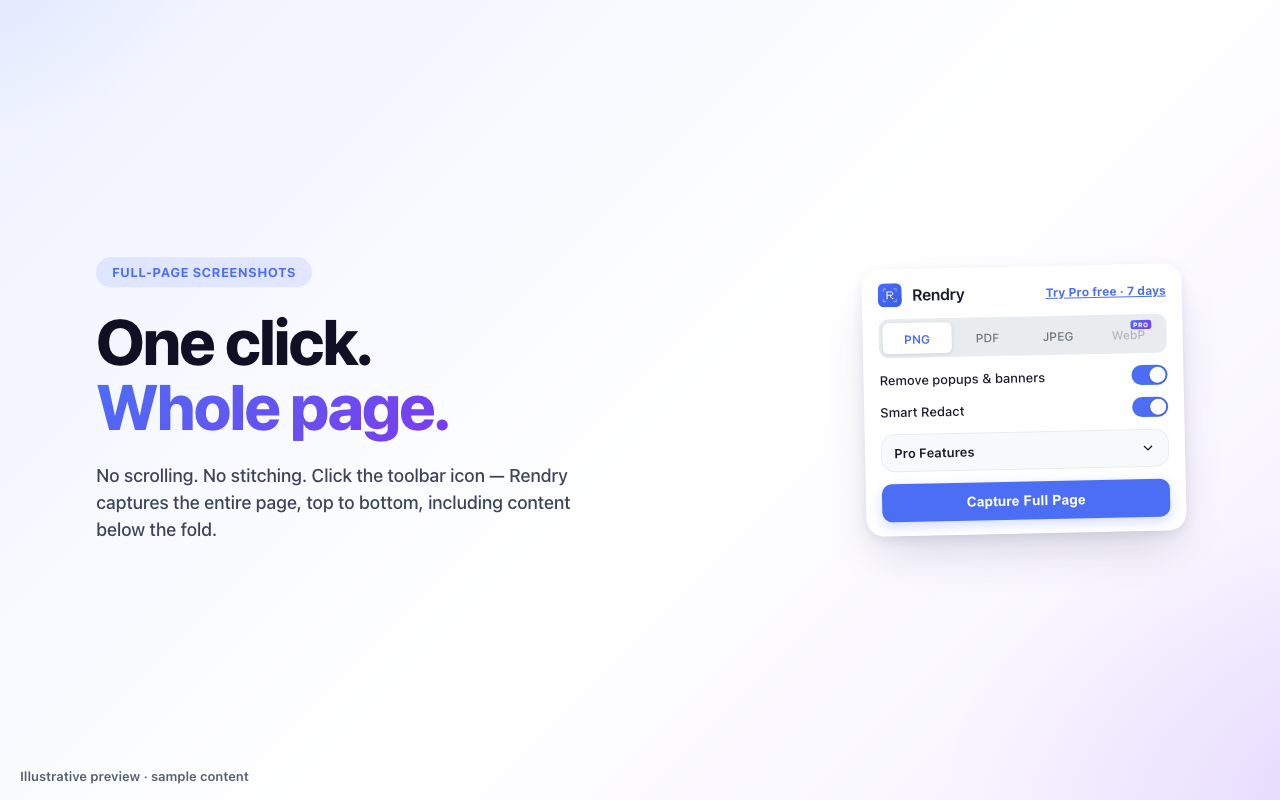
One-click full-page screenshots — private, clean, and fast.
Short pitch
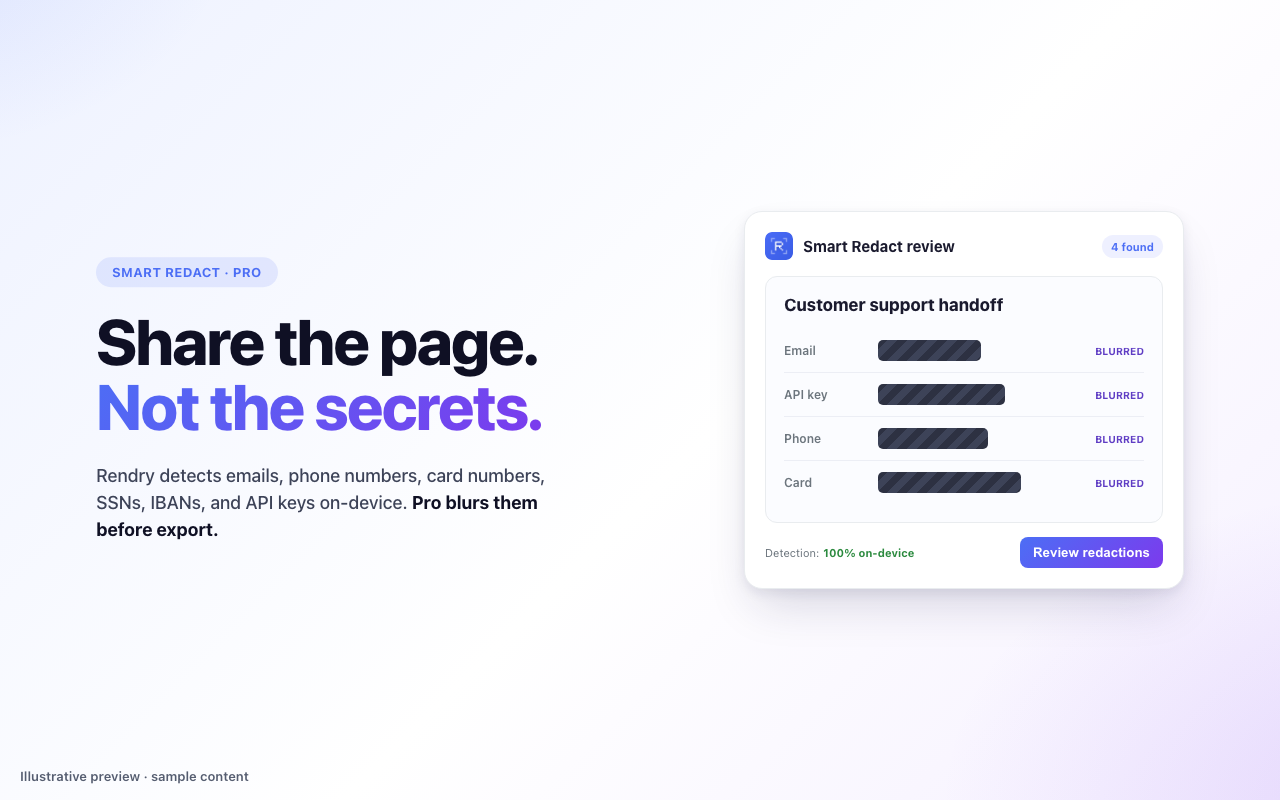
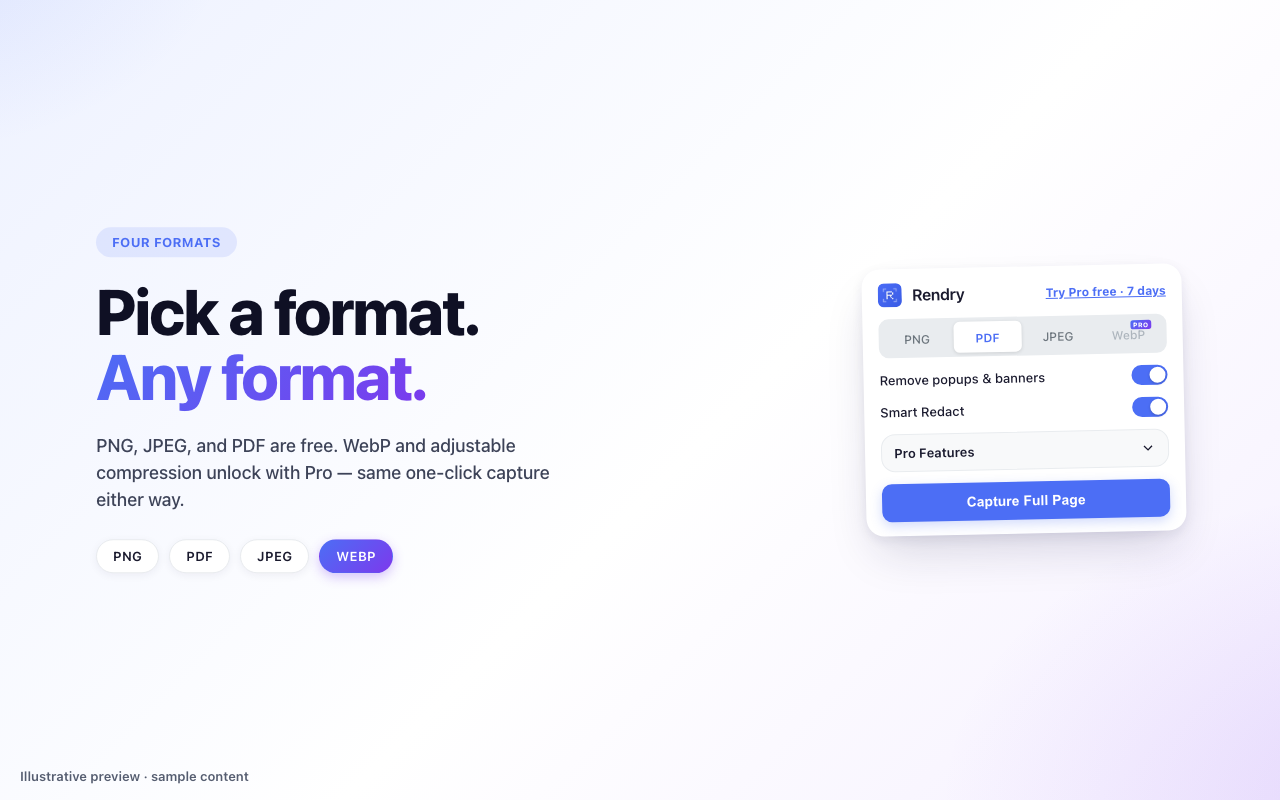
Rendry captures entire web pages as PNG, JPEG, or PDF for free. Smart Redact detects sensitive details locally; a no-card Pro trial blurs them for review before sharing.
Long pitch
Rendry is a full-page screenshot Chrome extension for QA and support teams that share browser evidence. PNG, JPEG, and PDF capture is free, with a built-in editor for cropping and copying. Smart Redact detects potential sensitive details on-device in a free preview that is clearly marked unblurred. A no-card 7-day Pro trial blurs those detections on the same capture for review before export. Pro is $2/month or $20/year and also adds WebP, extraction, element capture, and markup tools. Captures stay on the user's device; ExtensionPay handles license verification and billing.
Key facts
- Price: Free. Optional Pro at $2/month or $20/year.
- Platform: Chrome extension, Manifest V3.
- Publisher: MamaOwned LLC (United States).
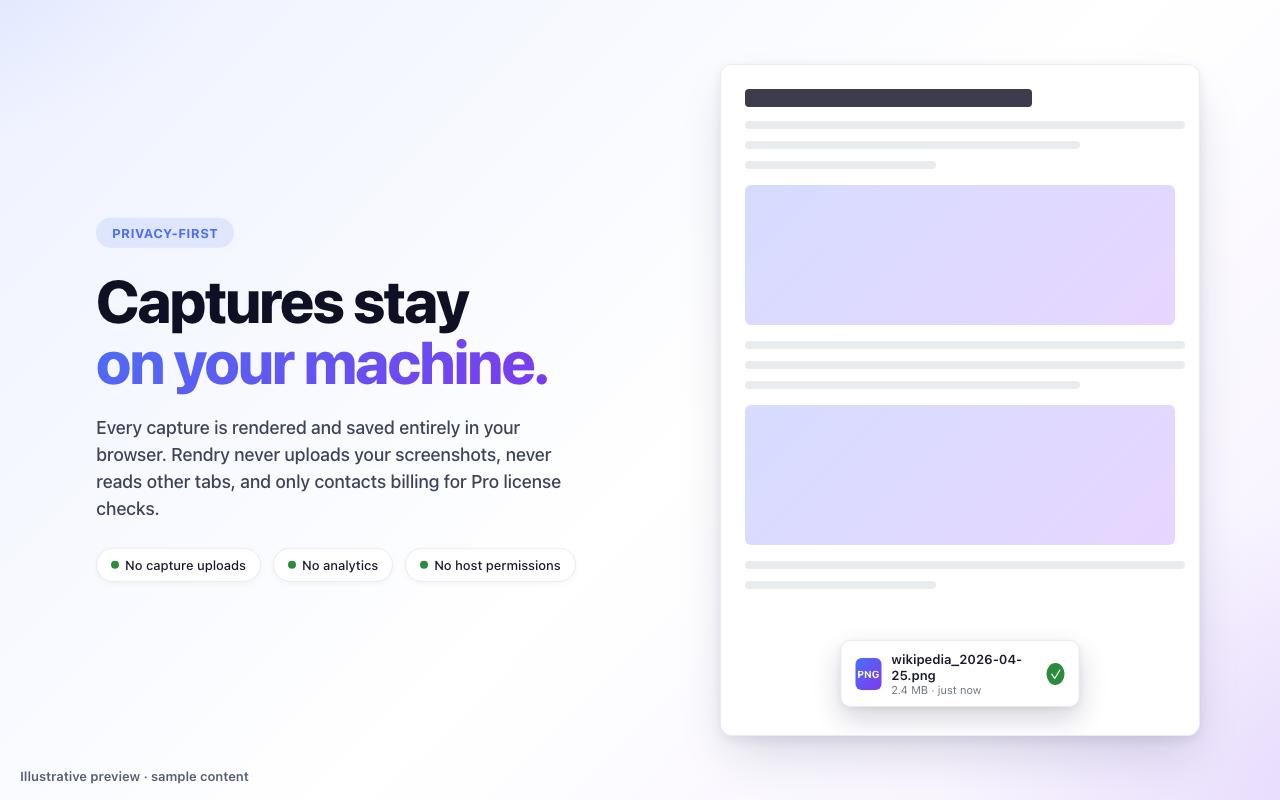
- Privacy: Captures and page content stay on-device. No analytics or screenshot uploads. ExtensionPay handles Pro license verification and billing.
- Permissions:
activeTab,scripting,downloads,storage,offscreen,clipboardWrite. No broad all-sites host permission.
Taglines
- "Full-page screenshots. Private by default."
- "The screenshot tool that doesn't screenshot you."
- "Full pages. Local captures."
- "Every pixel. None of your data."
Differentiators
- PDF export is free. Most competitors gate PDF behind a paywall.
- No account for the free tier. Install and capture, no email required.
- Screenshots never leave the user's machine. All capture and editing is on-device — free tier and Pro alike.
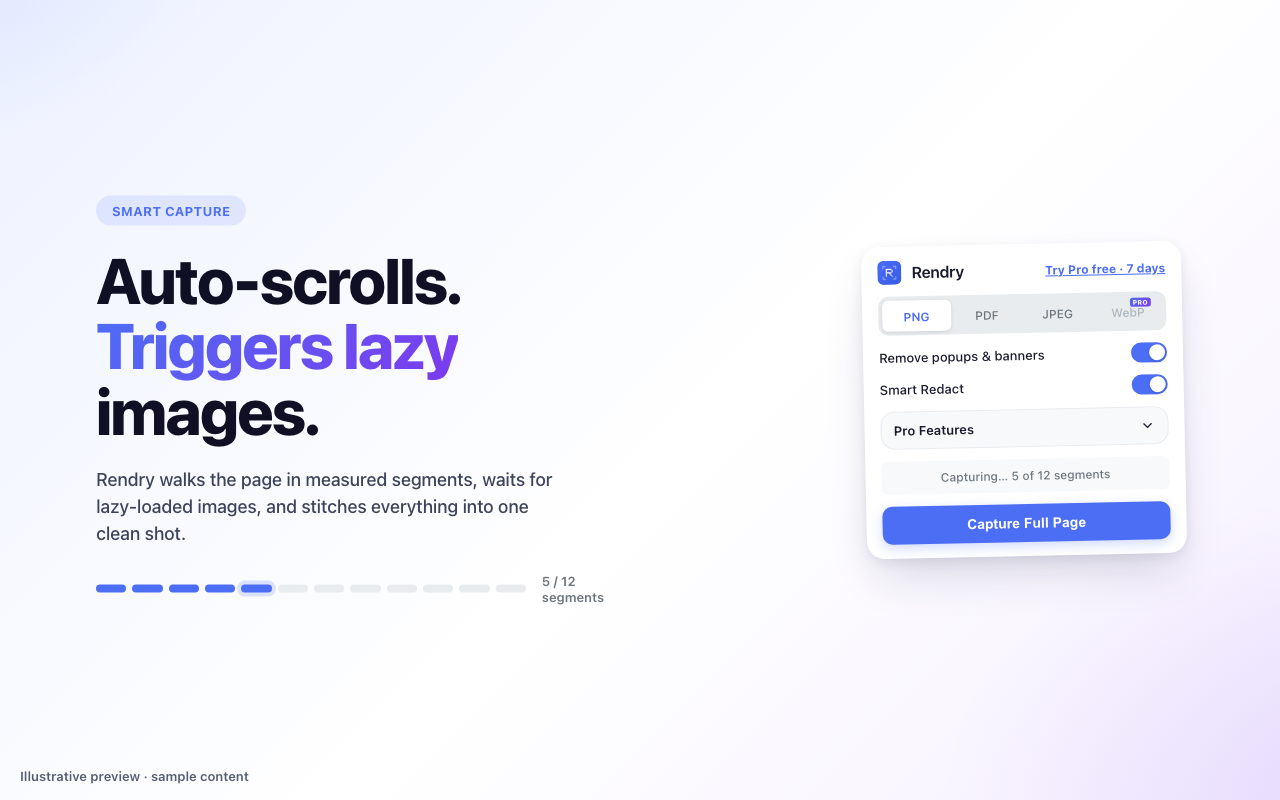
- Noise removal is automatic. Cookie banners and chat widgets hidden before the shot.
Logo & icons
Icons are in the assets/icons/ folder. PNG sizes: 16, 24, 32, 48, 128. Source SVG available on request.
Screenshots
These five 1280×800 previews use illustrative sample content and are selected for the 1.4.4 Chrome Web Store update:
Contact
- Press: support@rendry.app
- Bug reports: github.com/mamaownedus/rendry-site/issues